
Nintex Community Menu Bar
Question

Custom Toast messages in Skuid

  • June 27, 2024
  • 4 replies
  • 0 views

Forum|alt.badge.img+1

We have a requirement where we want to display custom toast messages. Not sure if this is something that would be addressed in the Design System Studio. We want to display the Success and Error Toasts similar to below:


Any hints would be very helpful.
4 replies

Forum|alt.badge.img+1
  • Inspiring
  • June 27, 2024

A few ideas here.

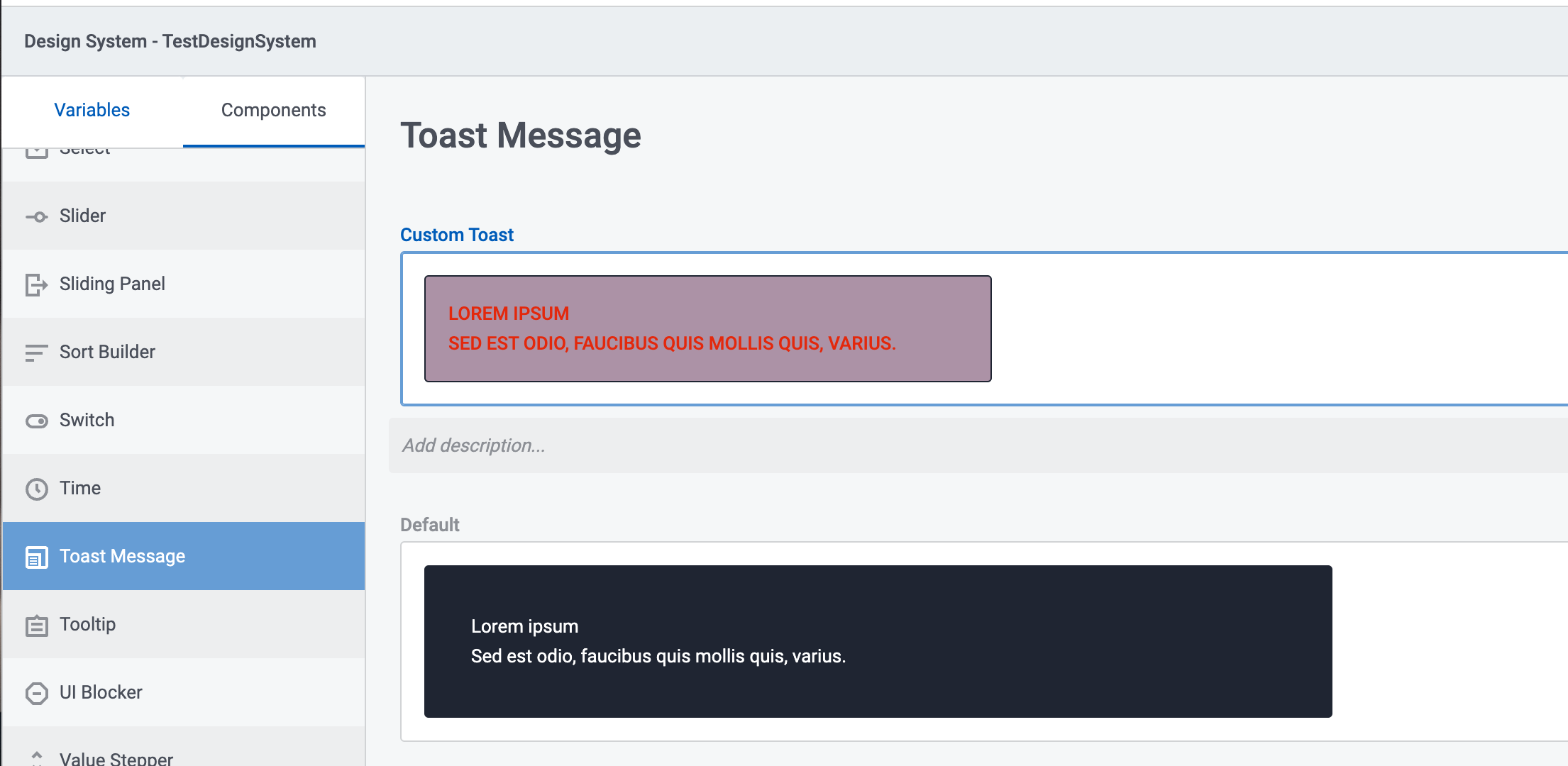
  1. Toast messages can be styled in the DSS. See image below. However - you cannot add icons or control the dismiss icon yet. Those would be interesting improvements.

  1. What you have shown look more like our Message Block component - which you can conditionally render based on data… Its styling options are much greater. And you control explicitly where it shows on the page (Unlike Toasts that can only show in select locations)

Check it out…


Forum|alt.badge.img+1
  • Author
  • Known Participant
  • June 27, 2024

@Rob_Hatch Thank you for your suggestions. A question here - is it possible to make the Heading larger (Success, Required Fields in the screenshot that I shared) than the toast body if we go with the toast component? I can’t find any setting for that.


Forum|alt.badge.img+1
  • Inspiring
  • June 27, 2024

Sorry for delay. The Toast message only has declarative support for one piece of text. As such we don’t support different formatting for a header as separate from other text in the Toast message.


Forum|alt.badge.img+1
  • Author
  • Known Participant
  • June 27, 2024

Thanks for the info @Rob_Hatch